Context-rich screenshot tool for AI coding agents: a real SaaS gap
Developers lose time retyping context with every screenshot pasted into AI coding agents. That friction points to a sharp SaaS opportunity.
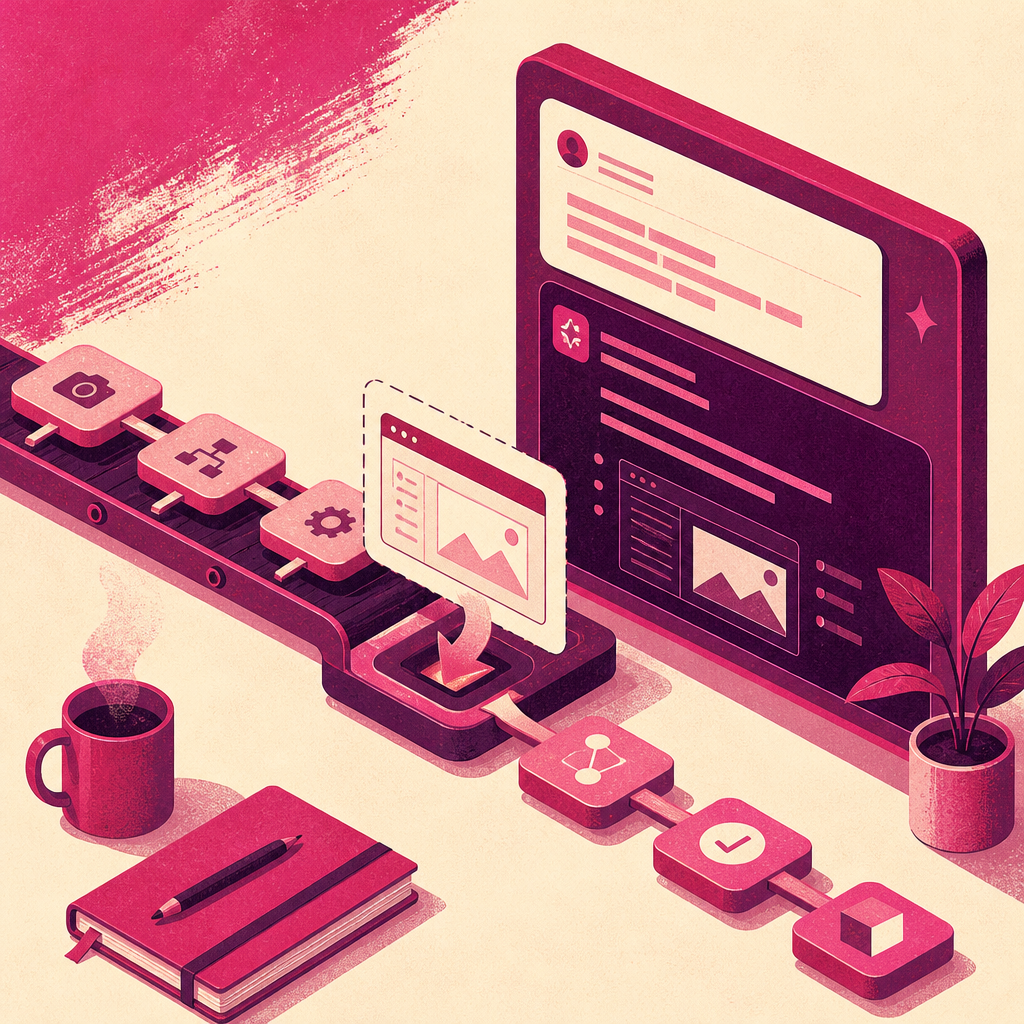
This insight was synthesized by AI from public community discussions. We do not display original user posts or comments verbatim—all content has been rewritten and aggregated. Verify before acting on it.
TL;DR
A context-rich screenshot tool for AI coding agents solves a small but constant workflow tax that heavy AI users feel dozens of times a day. The opportunity is real because the pain shows up inside an existing habit: developers already paste screenshots into Claude, Cursor, and Copilot, but the surrounding conversation gets lost.
Key takeaways
- The pain is not screenshot capture itself; it is context loss after the image lands in an AI coding agent.
- The best early customers are developers who use Claude Code, Cursor, or Copilot Chat all day and ask visual debugging questions repeatedly.
- A strong MVP is a desktop clipboard utility that packages screenshot, prompt history, and follow-up context into one paste-ready payload.
- The biggest risk is feature absorption by larger tools, so speed, integrations, and workflow polish matter more than deep proprietary tech.
- This works best as a freemium utility with a paid tier for history, team features, and smarter context handling.
1. Developers need a better way to paste screenshots into AI coding agents without retyping the whole story
The real problem is that screenshots travel alone while the reasoning around them stays behind.
If you use AI coding agents heavily, this failure mode shows up fast. You hit an error, open a devtools panel, grab a screenshot, and paste it into your assistant. Then the agent sees pixels but misses the setup: what you already tried, what the last answer suggested, which file changed, and what the actual question is now. So you end up doing the same dumb work over and over—typing the missing context back in.
That sounds minor until it repeats 20 or 30 times in a day. The friction is not dramatic enough to trigger a team procurement process, but it is annoying enough to make a solo developer pay for relief. That is usually where a good utility business starts.
The interesting part is where the pain sits. This is not a generic screenshot app. It is not a note-taking app either. It lives in the handoff layer between visual capture and AI conversation, which is exactly where current tools tend to break. Developers do not want another workspace. They want one shortcut that says, capture what is on screen and include what the agent needs to know.
The workflow break is easy to picture
A developer asks an agent to help debug a layout bug. The agent asks for a screenshot. The developer pastes one. Then the agent responds as if the image appeared out of nowhere because, from its perspective, it did. The prior thread may exist in another window, another tab, or another app, and the screenshot itself carries none of it.
That gap creates three kinds of waste: repeated typing, worse answers, and broken momentum. Worse answers matter more than the typing. If the agent misses the last two turns of the conversation, it often gives a generic response instead of picking up where the debugging thread actually stands.
2. The best customers are power users of Claude Code, Cursor, and Copilot who debug visually all day
The sharpest audience is developers who already use AI coding agents as an always-open pair programmer.
This is not for every programmer. Someone who asks an AI tool a few times a week will not care enough. The people who feel this are the ones with an agent docked on screen all day: frontend engineers dealing with UI bugs, full-stack developers bouncing between terminal output and browser state, indie hackers shipping quickly, and technical support engineers reproducing issues from screenshots.
There is also a strong power-user segment outside classic software engineering. QA leads, no-code builders, prompt engineers, and product-minded operators increasingly use AI tools to interpret screens, logs, dashboards, and admin panels. They run into the same issue: visual input without conversational continuity.
Who feels the pain most acutely
The strongest early adopter profiles are pretty specific:
| Segment | Why they care | Best wedge |
|---|---|---|
| Frontend developers | They debug visual issues constantly and already share screenshots with AI | Browser capture plus smart surrounding-region expansion |
| Cursor and Claude Code power users | They keep long debugging threads alive across many prompts | Auto-append prior questions and follow-up context |
| Indie hackers shipping solo | They value speed over process and will try utilities fast | One-key setup and cheap monthly pricing |
| QA and support engineers | They pass around screenshots of bugs and state changes | Team history and shareable agent-ready payloads |
| Non-English developers | They switch between local language and English prompts | Multi-language formatting and translation support |
Why this audience pays for utilities
These users already spend on speed. They pay for code editors, AI subscriptions, terminal tools, and browser extensions because shaving minutes off repeated tasks compounds quickly. A utility does not need to save hours per session. It just needs to remove a repeated annoyance from a high-frequency workflow.
That is why the pricing can stay simple. Free for basic capture, then a paid plan for persistent history, multiple agent formats, better context stitching, and team features. The buyer is not purchasing image capture. The buyer is purchasing continuity.
3. AI coding agents created the habit, but the screenshot-to-context handoff still feels unfinished
The timing works because developer behavior changed faster than the surrounding tooling.
A year or two ago, most screenshot workflows ended in Slack, bug trackers, or docs. Now many of them end inside AI coding agents. That changes the product requirement. A screenshot sent to a teammate can rely on shared human context. A screenshot sent to an AI needs explicit context packaged with it, or the interaction resets.
That is the opening. AI coding agents got good enough that developers now ask them visual questions many times per day, but the clipboard layer still behaves like it is 2018. It moves pixels, not meaning.
Existing tools solve capture, not agent-ready context
There are plenty of screenshot apps already. Most optimize annotation, cloud sharing, or quick cropping. That is useful, but it misses the actual job to be done here: preparing a multimodal prompt that an agent can act on immediately.
What would a developer search for? Probably not “screenshot app.” More likely: “tool to paste screenshot with context into Cursor,” “how to send screenshot and prompt history to Claude Code,” or “best screenshot utility for AI coding agents.” That search behavior matters because it points to a category that is emerging but not yet crowded with purpose-built products.
4. The best MVP is a desktop utility that turns a screenshot into an agent-ready prompt bundle
The winning product is a thin workflow layer, not a giant platform.
If you were building this, the smartest v0 would be a Mac and Windows desktop app that intercepts a screenshot action and writes a structured payload to the clipboard. That payload would include the image, the latest user prompt, selected conversation history, and a short wrapper explaining what the agent is looking at and what kind of answer is wanted.
The key is formatting. Different agents handle pasted content differently, so the product should detect the active app and tailor the payload. For Cursor, that may mean concise debugging context. For Claude Code, it may mean a fuller thread summary. For Copilot Chat, it may mean a more compact prompt with explicit task framing.
What the lean MVP should include
A good first version does not need computer vision magic everywhere. It needs five things to work reliably:
| MVP feature | Why it matters | Complexity |
|---|---|---|
| One-key region capture | Removes friction at the exact moment of need | Low |
| Clipboard bundling of screenshot plus context | Core value proposition | Medium |
| Active app detection | Makes output feel native to each agent | Medium |
| Conversation history tracking | Prevents repeated re-explaining | Medium |
| Smart expansion for tiny screenshots | Adds nearby UI context when the crop is too narrow | Medium |
What to avoid early
Do not start with team collaboration, cloud workspaces, or broad cross-app knowledge graphs. That sounds impressive and kills speed. The first promise should be brutally clear: one shortcut, one paste, full context included.
There is also no need to overbuild AI features on day one. A lot of value comes from deterministic behavior: grabbing recent prompt history, labeling it clearly, and packaging it in the right structure. Save heavier vision analysis for premium tiers or later iterations.
5. How to build a screenshot with context MVP this weekend
A solo builder can validate this quickly because the workflow is narrow and testable.
- Pick one platform first, ideally macOS, because many AI-heavy developers already live there.
- Support one agent deeply before supporting three; Cursor or Claude Code is enough for v0.
- Build a global shortcut that captures a screen region and copies image plus text payload to the clipboard.
- Pull recent conversation turns from a local companion panel, browser extension, or manual paste buffer instead of chasing every integration at once.
- Add a simple payload template with sections for current issue, prior attempts, follow-up question, and screenshot note.
- Test on real debugging tasks: browser errors, terminal output, UI glitches, and config dialogs.
- Put up a landing page with a demo GIF and a waitlist aimed at “paste screenshot with context into AI coding agents.”
- Charge early for a pro tier with history retention, multi-agent formatting, and custom prompt templates.
6. The biggest risk is that larger AI tools absorb this feature, so the moat has to be workflow depth
This is a real opportunity, but it is not a forever-safe feature.
The obvious threat is copyability. Screenshot tools can add context bundling. AI coding agents can add native screenshot memory. If either side closes the gap, a standalone utility gets squeezed. That means differentiation cannot rest on the basic idea alone.
The better defense is to become the fastest, most reliable handoff layer across tools. Developers use mixed stacks. They jump between browser, IDE, terminal, and multiple agents. If the product becomes the universal glue for that messy reality, it stays useful even when one platform improves its native flow.
Where defensibility can actually come from
There are a few practical moats here, and none of them are classic network effects.
- Deep integrations with multiple agents and desktop environments
- Better prompt packaging based on use case, such as UI bug, stack trace, or design question
- Trust and privacy controls for local-only history handling
- A polished capture experience that feels instant and hard to replace
- Team memory features for QA and support workflows
The business model needs discipline
Freemium makes sense, but the free tier cannot become a vision-API sinkhole. The safest route is to keep core capture local and reserve costly AI enrichment for paid users or capped usage. Plenty of developers will pay just to avoid repetitive context typing, even without expensive image intelligence behind the scenes.
7. Frequently asked questions
Is there a real market for a screenshot tool for AI coding agents?
Yes, but it is a focused utility market, not a giant horizontal SaaS category. The buyers are heavy users of tools like Cursor, Claude Code, and Copilot who repeat the same screenshot-plus-explanation workflow many times per day.
What is the best MVP for a tool that pastes screenshots with context into Cursor or Claude Code?
The best MVP is a desktop clipboard utility, not a full collaboration platform. Start with one keyboard shortcut, one supported agent, and one job: copy a screenshot plus recent prompt context into a clean, paste-ready format.
How would you price a context-rich screenshot app for developers?
A freemium model is the cleanest fit. Free can cover basic capture and limited history, while a paid tier in the low monthly range can unlock persistent history, multi-agent formatting, smart context expansion, and team features.
Could Cursor, Copilot, or Claude just build this natively?
Yes, and that is the main product risk. The counter is speed and cross-tool support: a standalone utility can serve developers who switch between agents and want one consistent workflow instead of waiting for each platform to solve it differently.
Do developers actually pay for tiny workflow tools like this?
Yes, if the tool removes repeated friction from a daily habit. Developer utility businesses often work when they save a few minutes many times per day and fit into an existing workflow without demanding behavior change.
What makes this better than a normal screenshot app?
The difference is prompt continuity. A normal screenshot app captures pixels; this kind of product captures the screenshot plus the conversational state that helps an AI agent answer correctly on the first try.
8. This is the kind of narrow, high-frequency pain worth tracking closely
The most interesting AI tool opportunities are often tiny on the surface and constant underneath.
A context-rich screenshot tool for AI coding agents fits that pattern well. It attacks a repeated workflow tax, targets users who already pay for speed, and can ship as a lean utility instead of a bloated platform. If you want more ideas like this, dig into the validated pain signals on Pain Spotter and look for the same pattern: frequent annoyance, clear user language, and a path to a tight MVP.
Explore the underlying data
This analysis is built on Pain Spotter's structured signal. Dig into the source:
Find your next product idea
Pain Spotter ranks validated opportunities mined from Reddit, Hacker News & Product Hunt — refreshed weekly.
Explore opportunities